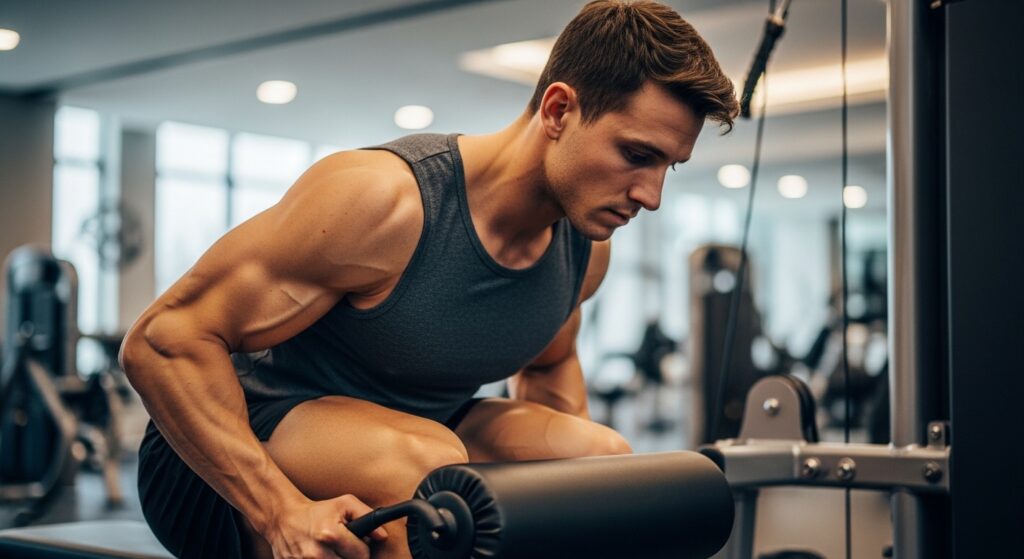
Struggling with Thigh Definition or Knee Pain? The Leg Extension Might Be Your Solution!
The Leg Extension machine is a common sight in any gym’s lower body section. While seemingly straightforward, many users find themselves frustrated by a lack of clear muscle “cuts” on their thighs or experiencing knee discomfort after use. This seemingly simple machine requires precise setup and execution; minor misalignments in seat position or form can drastically reduce effectiveness and put unnecessary strain on your knees.
This guide will walk you through the correct form and optimal seat settings to maximize your quadriceps growth and achieve that sculpted, defined look. We’ll also introduce the cutting-edge “smartphone training” method using AI cameras to elevate your leg workouts to a new level of scientific precision.
Let’s scientifically upgrade your leg training today and build the strong, aesthetic lower body you’ve always desired!
Why Leg Extensions Are Ideal for Quad Separation and Bulk
While squats are the king of overall lower body volume, the Leg Extension reigns supreme for creating striking definition and deep “cuts” along the front of your thighs (quadriceps). This machine offers two unique advantages:
1. Pinpoint Targeting of the Quadriceps
Compound exercises like squats and leg presses engage multiple joints and muscle groups, including the glutes and hamstrings. In contrast, the Leg Extension is an isolation exercise that targets only the knee joint. This allows you to intensely focus the stimulus directly on your quadriceps, minimizing the involvement of other muscles.
2. Maximum Load at Peak Contraction
Muscles experience their strongest contraction at their most shortened position. For the quadriceps, particularly the rectus femoris, this peak contraction occurs when the knee is fully extended. The Leg Extension excels by placing maximum load at this fully extended point, a position where squats often release tension. This intense contraction is key to developing those well-defined muscle separations.
Mastering Form and Seat Settings to Protect Your Joints
Knee pain during leg extensions often stems from incorrect machine setup and using momentum (cheating) during the movement. Perfecting your setup and form is crucial for targeting muscles effectively while safeguarding your joints.
1. [Crucial] The 3-Step Seat Adjustment
Before you begin, ensure these three points are correctly set:
- Align Pivot Points: Align the machine’s pivot point with the center of your kneecap, or slightly below it. Misalignment here can cause unnatural stress on the knee joint.
- Pad Placement: Position the roller pad just above the ankle joint, where your shoelaces would typically sit, not on the shin or the top of the foot.
- Secure Your Position: Sit back fully against the backrest, ensuring your glutes do not lift off the seat during the movement. Grip the side handles firmly, pulling down slightly to stabilize your body.
2. Optimal Form for Maximum Results
- Starting Position: Point your toes towards the ceiling, maintaining a 90-degree angle at the ankle.
- Concentric Phase (Lifting): Smoothly lift the bar using only your quadriceps, taking 1-2 seconds. Avoid using momentum.
- Peak Contraction: Fully extend your knees and hold at the top for 1 second, squeezing your quads intensely. This is the most critical moment for muscle separation.
- Eccentric Phase (Lowering): Control the descent slowly, taking 2-3 seconds, resisting gravity. Reverse the motion just before the weight stack touches down.
※Caution: If you experience any sharp or persistent knee pain during the exercise, stop immediately. Consult a medical professional if the pain continues.
Maximize Your Workout with AI Camera Analysis: The OrionFit Smartphone Training Method
Wondering if you’re fully extending your knees or maintaining the correct tempo? “OrionFit” is a fitness app that uses your smartphone’s AI camera to solve these common training challenges, significantly enhancing your Leg Extension workouts.
Smart Leg Extensions with AI Camera: How To
- Position Your Phone: Set up your smartphone beside the machine (on a holder or tripod) to capture your knee movement and seat angle clearly.
- Launch OrionFit & Start Measurement: Select “Leg Extension” in the app and activate the AI camera.
- Monitor Knee Extension Angle: The AI camera provides real-time joint angle feedback. Visually confirm that your knees are extending close to 180 degrees to ensure maximum quadriceps contraction.
- Maintain Proper Tempo: Keep your movements controlled, especially during the slower eccentric phase, and avoid rushing through reps as fatigue sets in. The app helps you maintain a consistent rhythm.
By incorporating a digital perspective, you transform every repetition into a maximally effective “golden rep.”
Conclusion: Build Your Ideal Physique with OrionFit’s Smart Leg Training!
The Leg Extension’s effectiveness skyrockets when you prioritize precise seat positioning and proper form, focusing on a complete muscle contraction at the top. Incorporate these techniques into your next gym session to achieve unparalleled quad definition and size.
Ready to make your training smarter and more results-driven? Discover the power of the OrionFit app:
- AI-Powered Rep Counting: The AI automatically counts reps by analyzing knee angle, freeing you to focus entirely on your form and muscle contraction.
- Workout Scoring: Get a score based on angle stability, rhythm, and control, gamifying your progress and helping you achieve perfect form.
- [Pro Plan] Personalized AI Feedback: For advanced users, the Pro Plan offers customized advice based on your workout data, supporting more efficient and safer progress.
Transition from “feel-based” training to “science-based” training. Let’s build a strong, beautiful lower body together with OrionFit!
👇 Download the app now and start your smart lower body training!